 |  |  | |
| - MAC Install for UNMEE.tv- |
|
The instructions are as follows: Mac OSX installation of the VLC Web Browser Plugin. 1) Please make sure to download the correct plug-in for your version
of OS X and processor (Intel or Power PC).
Leopard & Snow Leopard (10.5 or later) Tiger (10.4) and Panther (10.3.9) 2) Open the downloaded file, then double-click the installer package
in the window that opens. 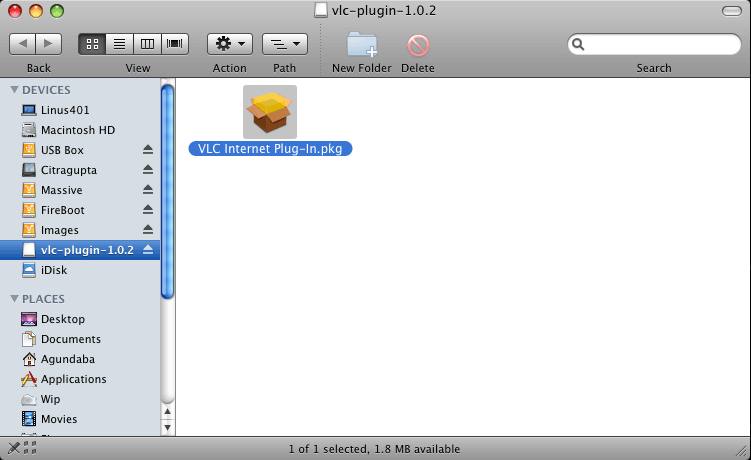
3) Quit any open browsers (eg. Safari, Firefox etc.) 4) Follow the instructions of the installer file 5) After installation, open the internet browser of your choice and
enjoy UNMEE.TV! Installation support at support@unmee.tv |
 The MAC web browser plug-in for OSX is not included in the standard
package on this website. The links shown below are on the following
web page:
The MAC web browser plug-in for OSX is not included in the standard
package on this website. The links shown below are on the following
web page:





|